Hello,
I am still new to Lexicon. I love all the features it has, but I have run into a problem with importing/exporting beat grids.
- MacOS
- RB7
- Lexicon
- All current versions
Problem:
When I fix beat grids in Rekordbox and/or Lexicon and then transfer between the two, several tracks end up with shifted beat grids. I’ve tried the following already and none fixed the issue:
- Fixed grids in both apps, then exported/synced both directions.
- Ran Lexicon’s Beatshift Fixer / re-encoded affected tracks.
- Used the “don’t touch my grids” option (both on and off).
- Wrote tags from Lexicon and reloaded tags in Rekordbox.
- Closed and re-opened both apps during the workflow.
- Quantized hot cues — they still don’t align.
Both Rekordbox and Lexicon show some shifted grids (not just one side). I’ve included screenshots with an example showing the grids as seen in both apps.

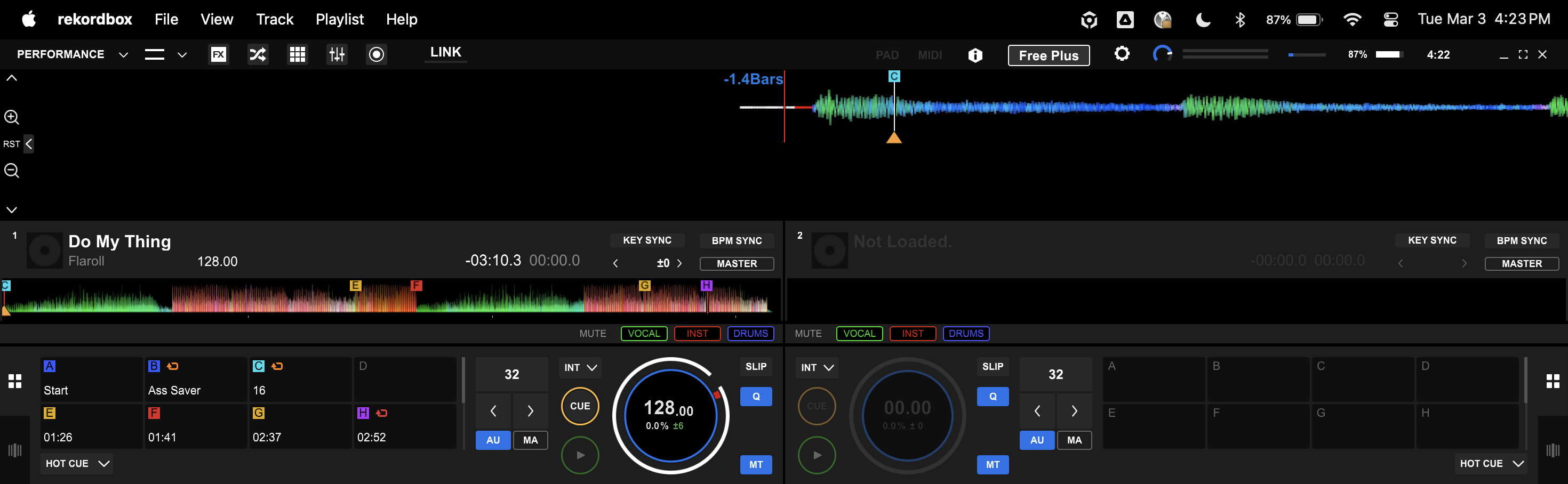
Any help with this would be appreciated!
-S