I just notice this today that Lexicon is not importing from my library, even do I did a full import 2 times. I have the latest vdj update and lexicon.
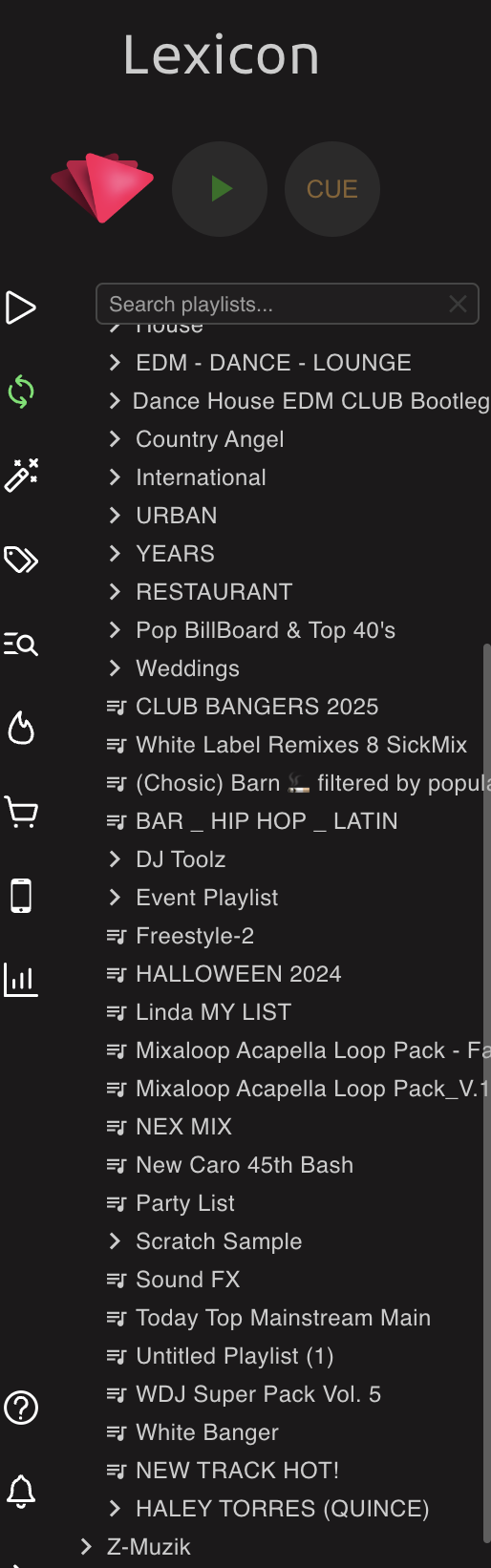
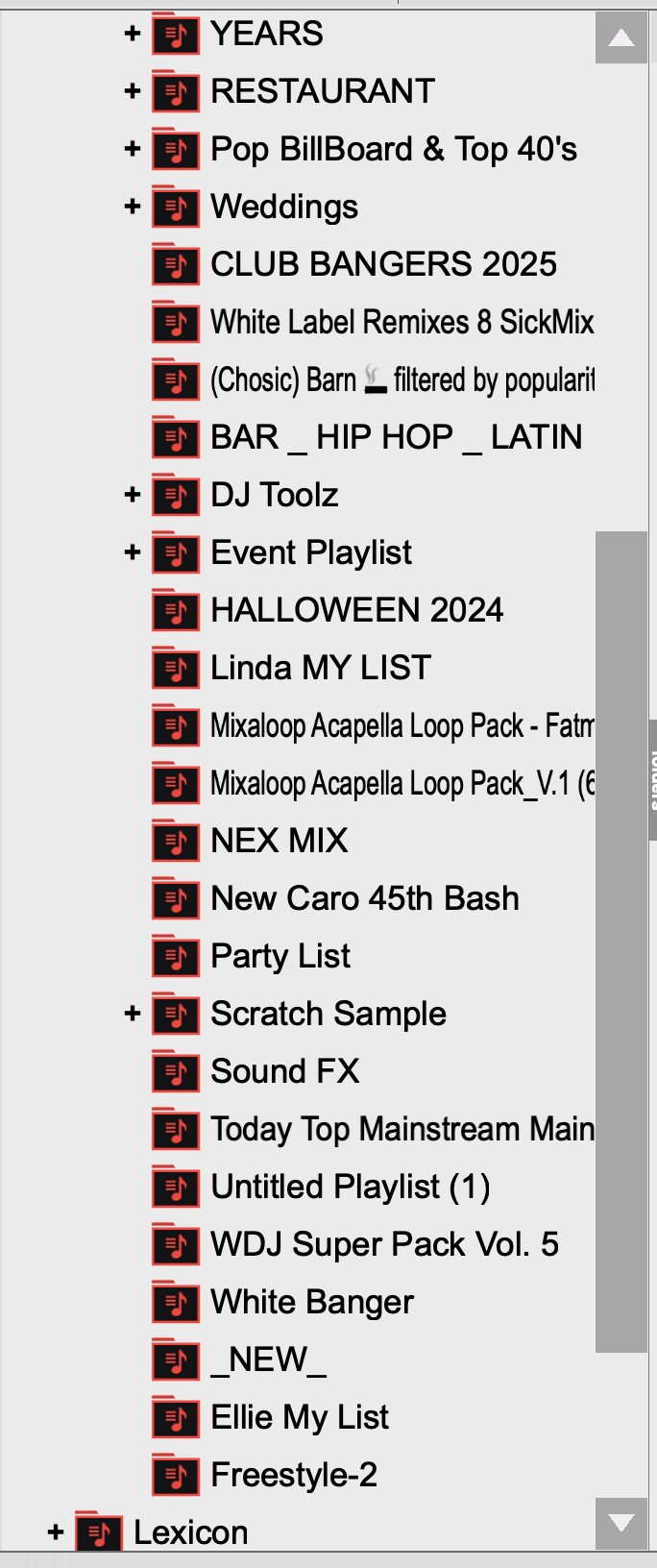
What am I looking for exactly? Missing playlists? Maybe out of order?
My apologies, I have been busy with work and my lack of explanation. I have added a link perhaps is better this way, is just not out of order but Lexicon is not updating the playlist.
Is that about the _NEW_ playlist? Still not sure what I’m looking at, really need some explanation
Ok, so if I upload my entire library, it should replace the library from Lexincon, correct?
I noticed that when I do a full upload of my VDJ library, It doesn’t mirror my virtual Dj library, not only it’s not in order, but there are two folders that is in Lexicon that are not on virtual Dj. I see, “ _Folder Tracks “ that I see on the Top and “ HALEY TORRES (OUINCE “ that is on the bottom on top of Z-Muzik which I also deleted from my VDJ library but it still showed.
If you are merging then it won’t change the playlist order, it will keep what you already have in Lexicon.
If you don’t care about your tracks in Lexicon, just full import without merge so it replaces it all
Yes, I uncheck that and is still did not updated correctly. I also deleted the playlist from Lexicon to start fresh and it still the same files showed up.
Okay and are you on the latest VDJ version? Those are MyLists right? I can do a check here
Yes, I am on the latest software as a matter of fact, there was a new update yesterday
Can you send me your entire VirtualDJ folder? You can find it by going into the VDJ settings, then clicking the very small settings icon in the bottom right
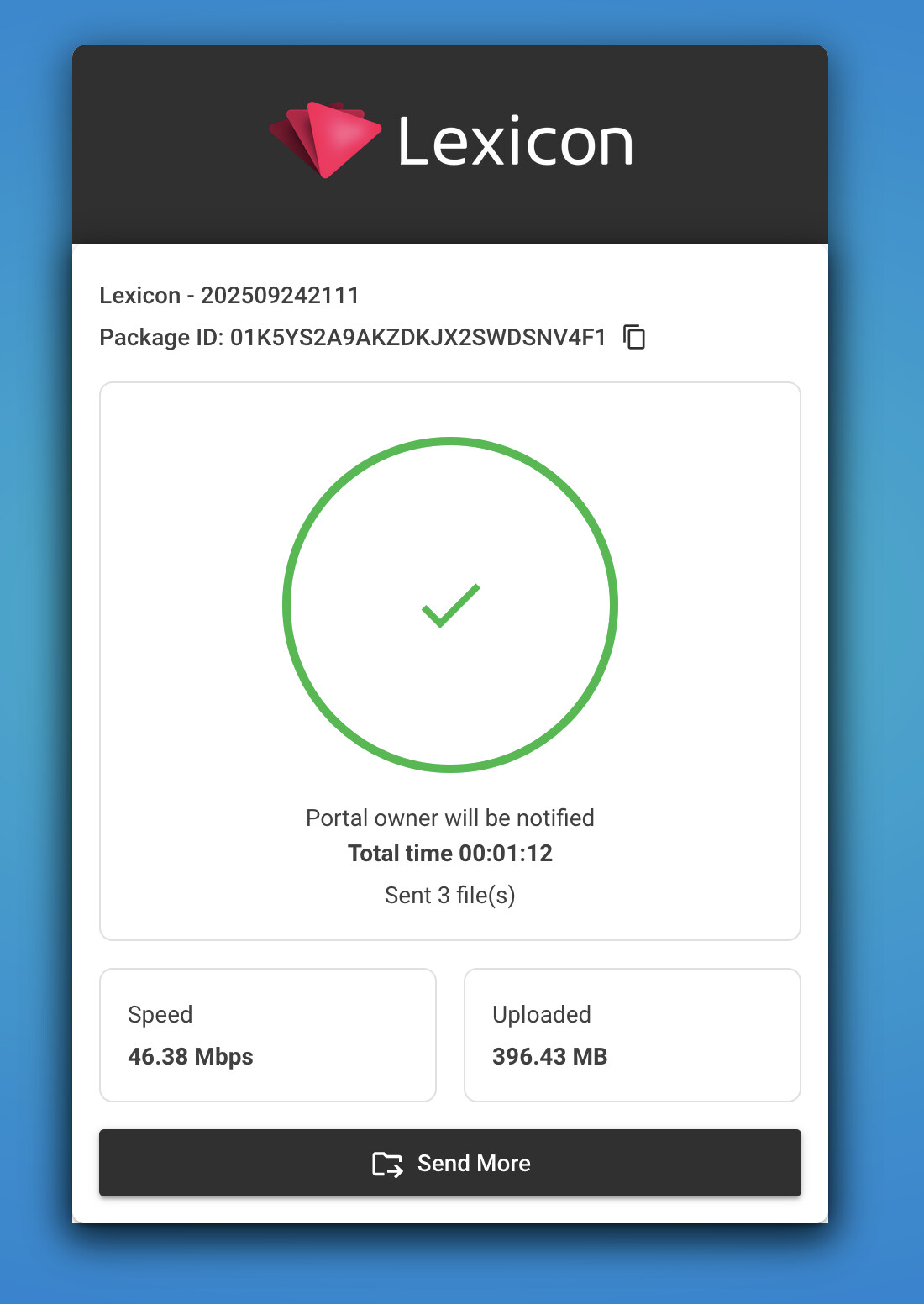
Just zip the folder and upload here: http://upload.lexicondj.com
Ok cool,
Christiaan, did the file uploaded?
Sorry I didn’t get anything. Can you try the upload again?
Check it again.
Let me know if you need anything else.
Can you also upload the VirtualDJ folder on the Al-Vega Muzik external disk?
And would help if you can make a screenshot of one specific playlist that is not importing correct, screenshot of both VDJ and Lexicon. Or I don’t know exactly where to look
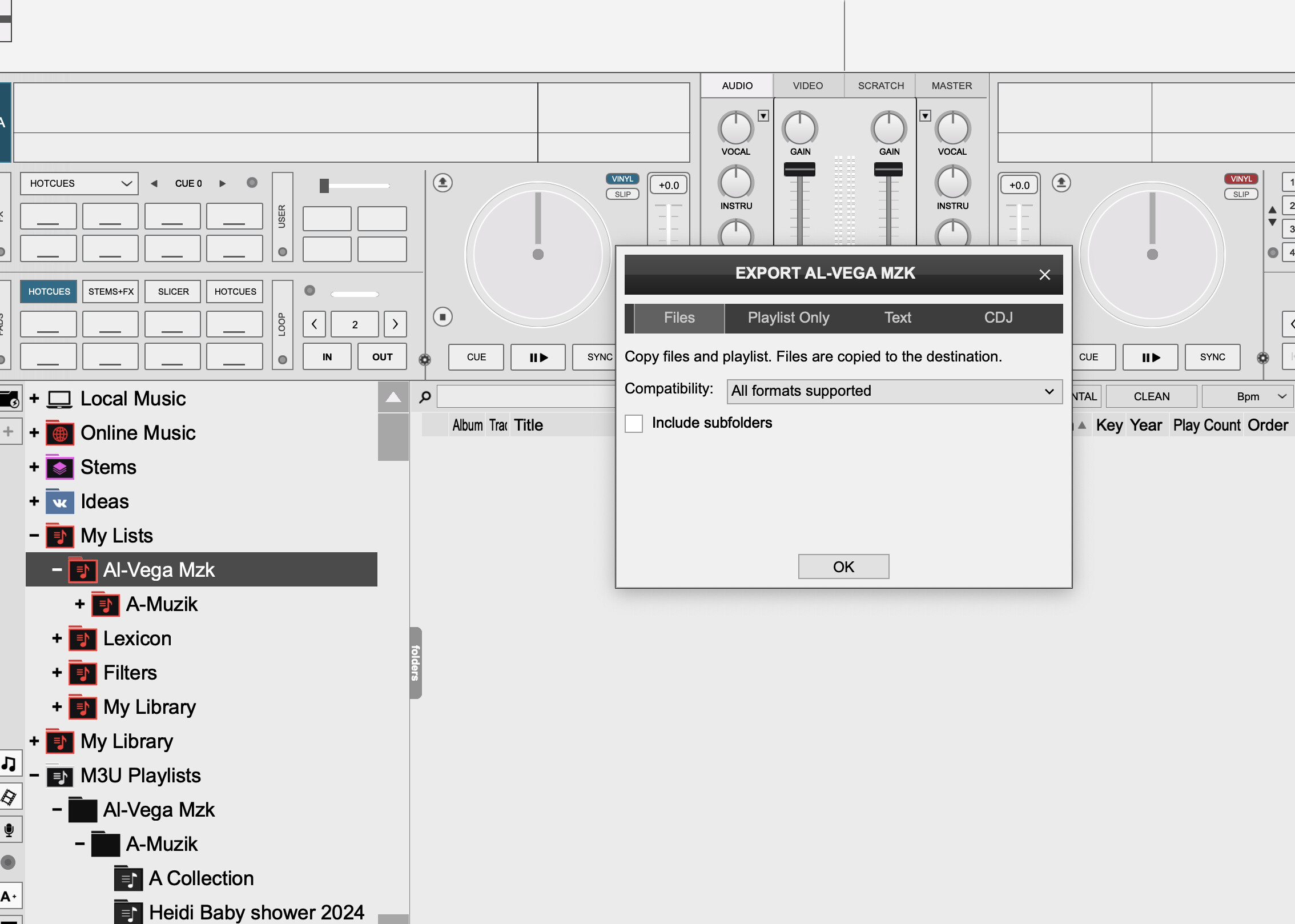
I don’t know what you mean there.
On your external drive, there is a VirtualDJ folder. I need zipped and uploaded too.
And the screenshots..