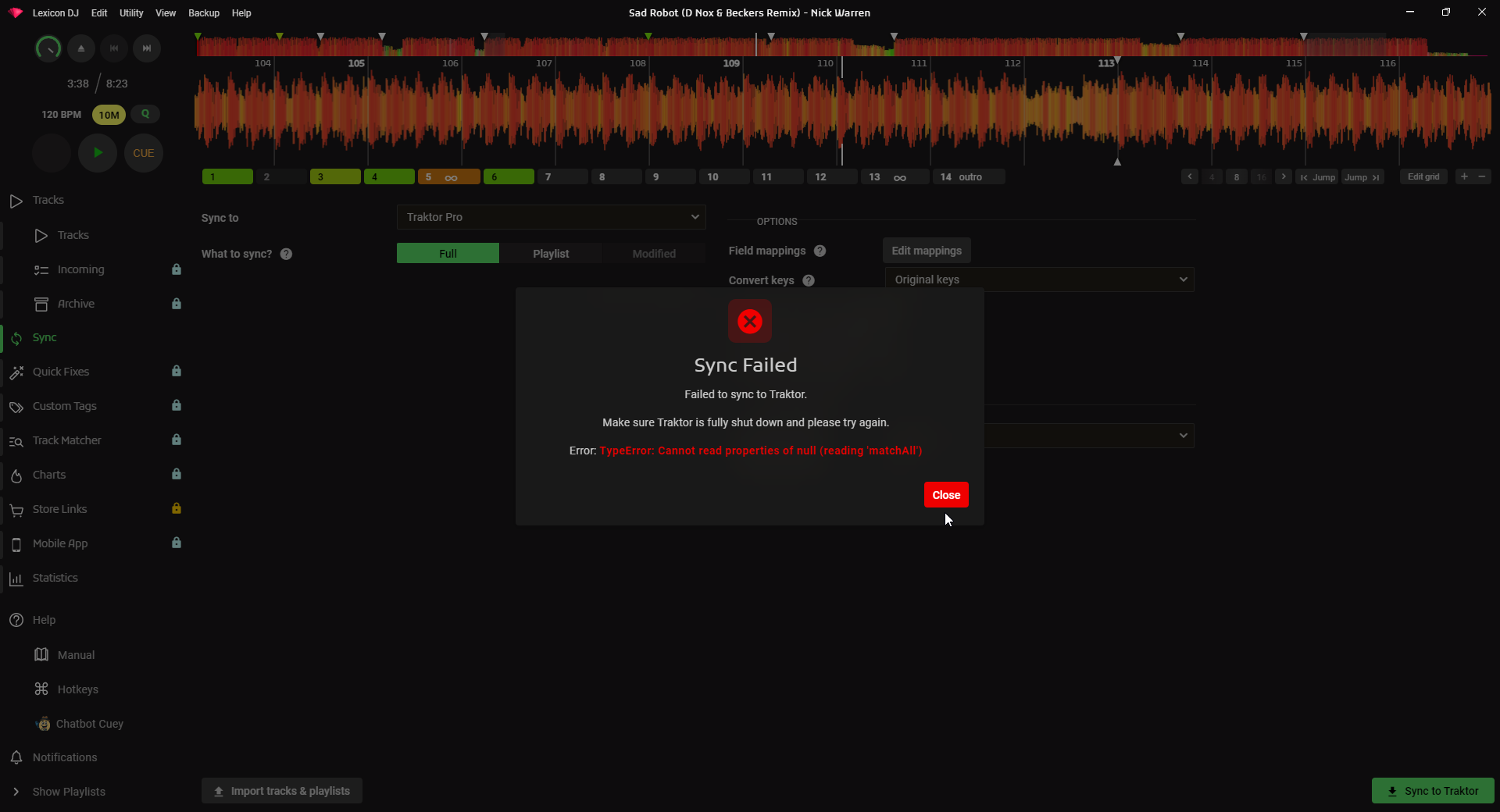
Hello All, trying to see if Lexicon is worth my hard-earned
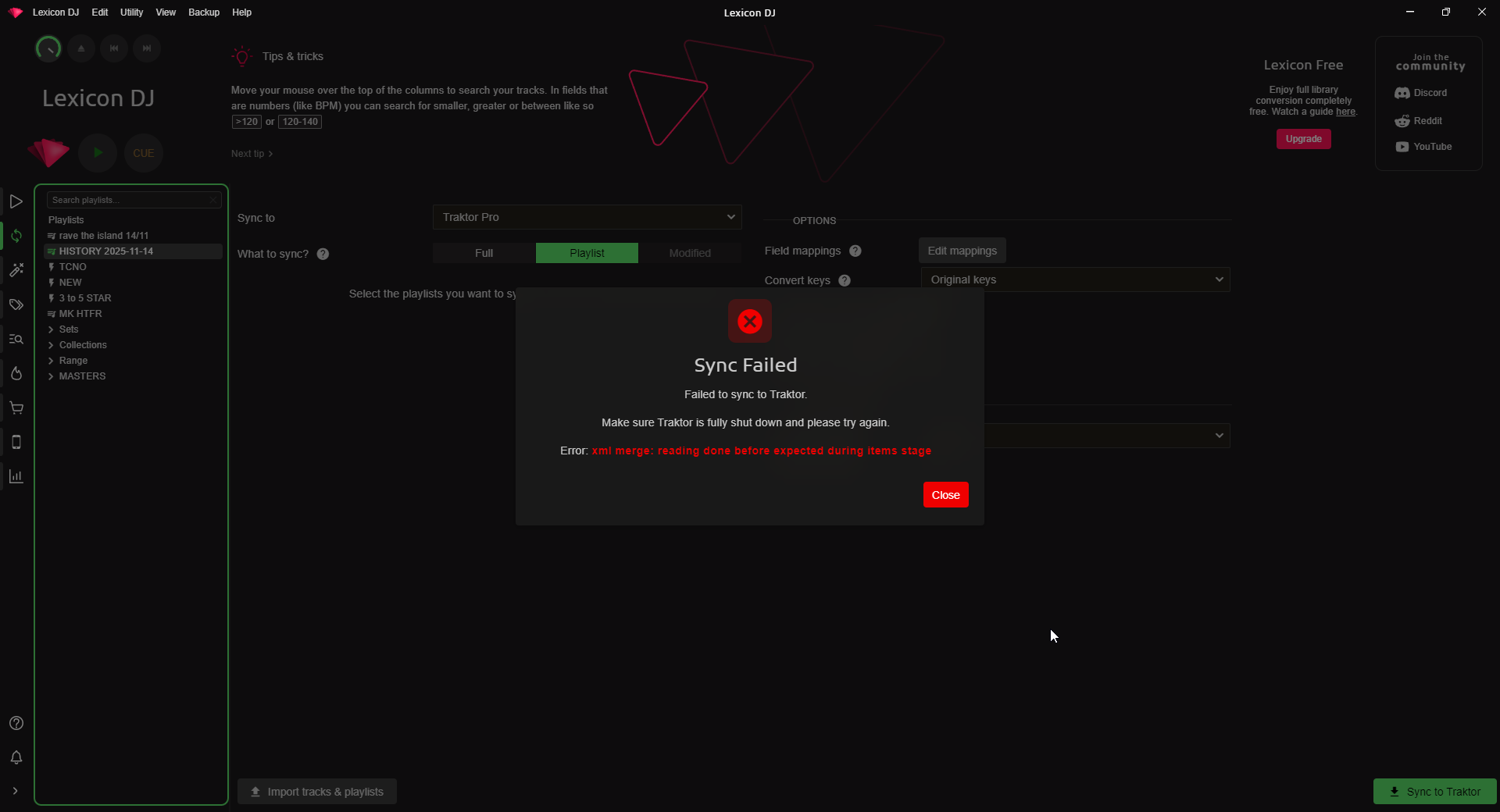
Imported my Rekordbox collection (6000+ tracks) and trying to export my custom tags, color etc to Traktor but hitting the above error on sync. Any ideas?
I’m using the FREE version (for now) to see if Lexicon can actually do what i want it to do. It has failed on my first attempt. Not sure why as all the custom tag exporting are behind a paywall, so the error code is unclear to me.
Also consider that i have completely deleted all tracks and playlists from my Traktor collection, so its essentially a fresh app, and yet im still hitting these errors. Thanks for reading!
The first error looks like a bad smartlist somewhere. I’m about to do a bugfix release so I can add something for that. Can you upload your Lexicon database & logs? From the Help menu.
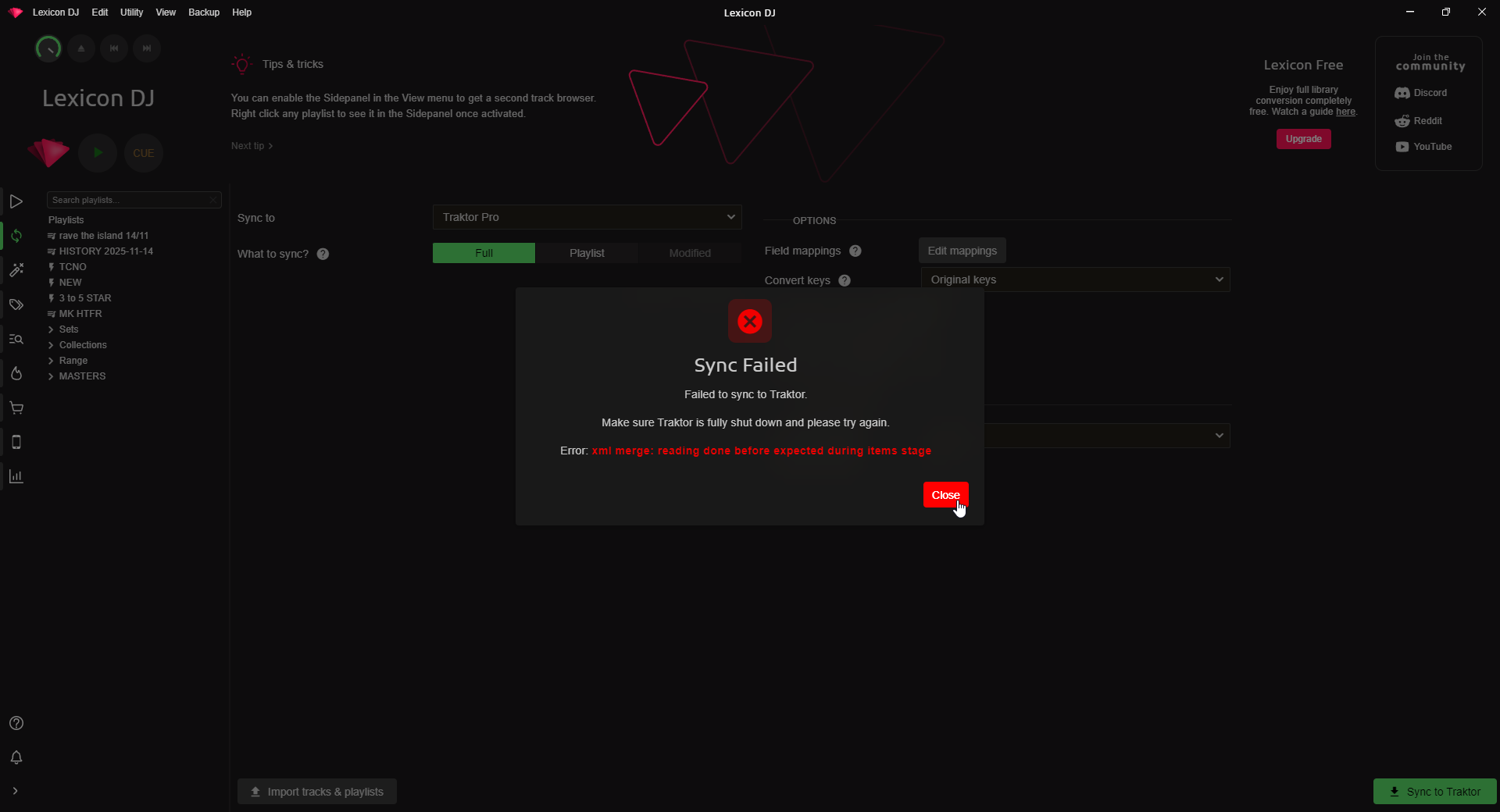
The second error might indicate an incomplete/broken NML file. You can try to open Traktor and then close it so Traktor might auto fix the NML or delete the NML altogether and then open Traktor for an empty NML. Then do the full sync again.
The update released today (restart to update) should fix the first error. The second one I’d still do what my last post said. I don’t think reinstall Traktor will help as the NML will stay as it is
OK i deleted the NML from the NI folder in My Documents. Updated the app and have restarted/ closed all apps many times but the same error still persists. Any other ideas?
You deleted the collection.nml file? I would expect that works. Can you try deleting it and try the sync? It should tell you database not found, that will confirm it is the right database file
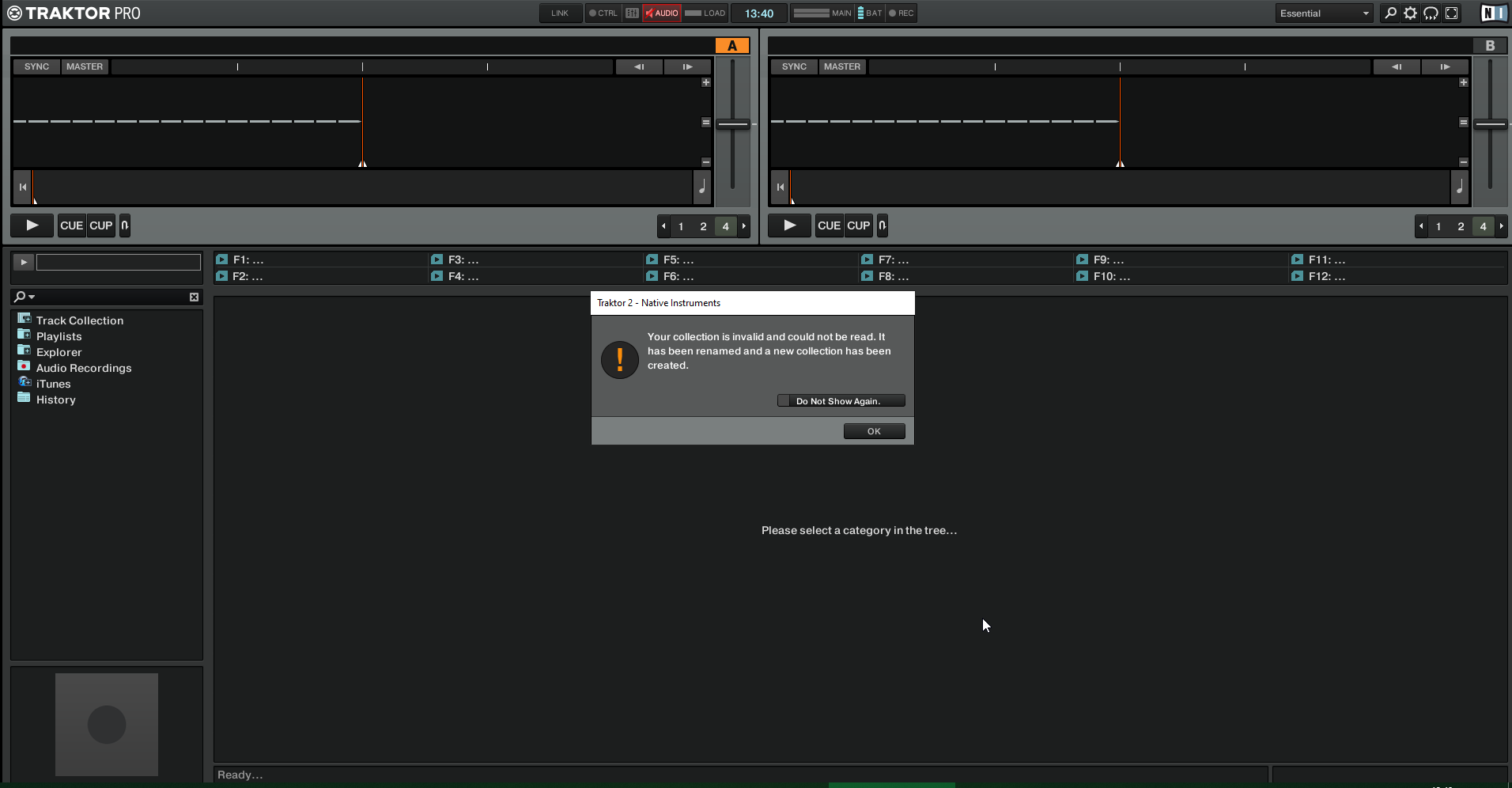
So i deleted the entire Traktor Folder within My Docs/Native Instruments and that allowed Lexicon to complete the sync. However on launch i get a corruption error and Traktor reinstates a local default collection.