Lexicon version: 1.10.7 Operating system (remove one): Windows Rekordbox Version: 7.2.14.0323
Bug description:
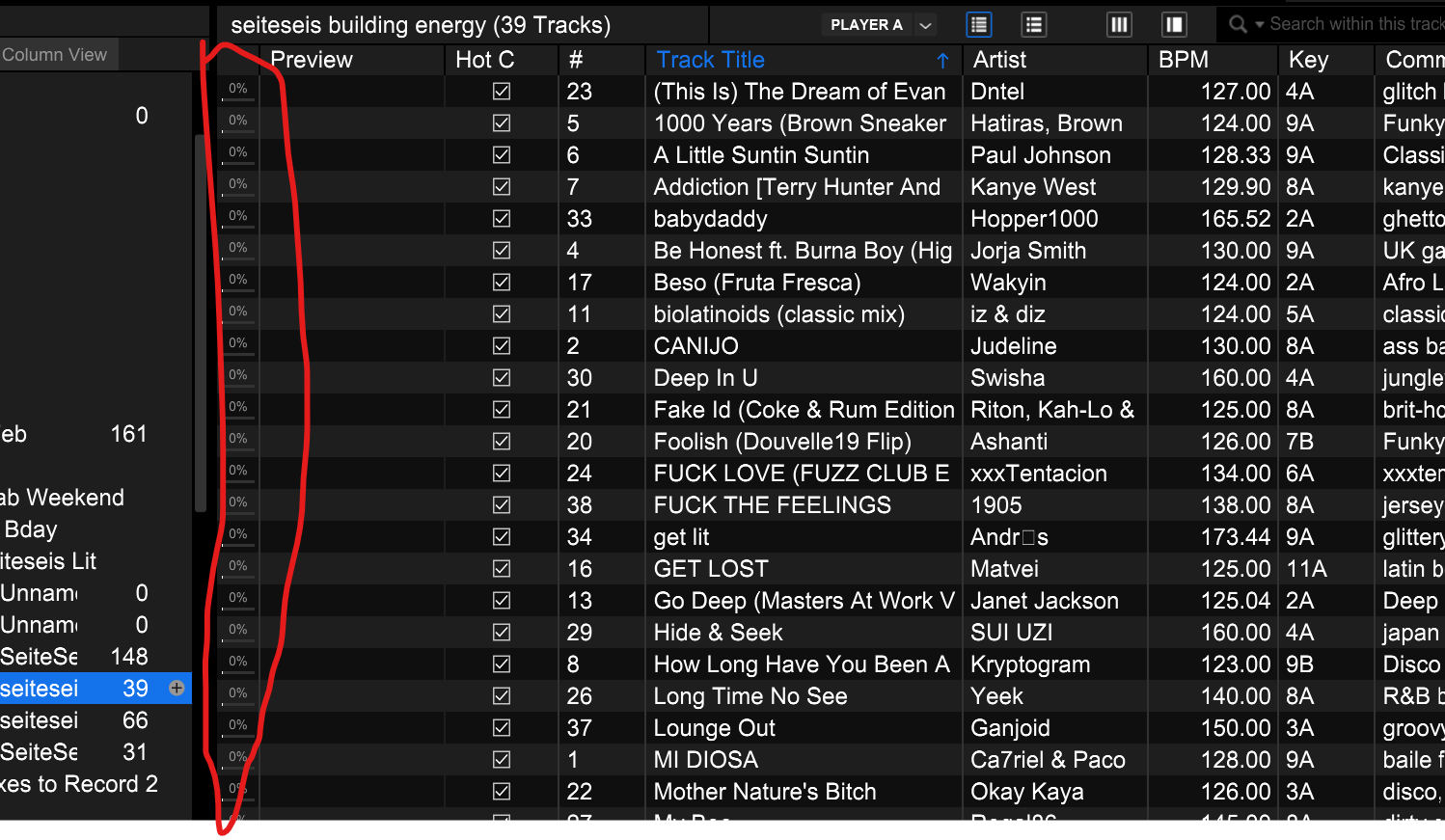
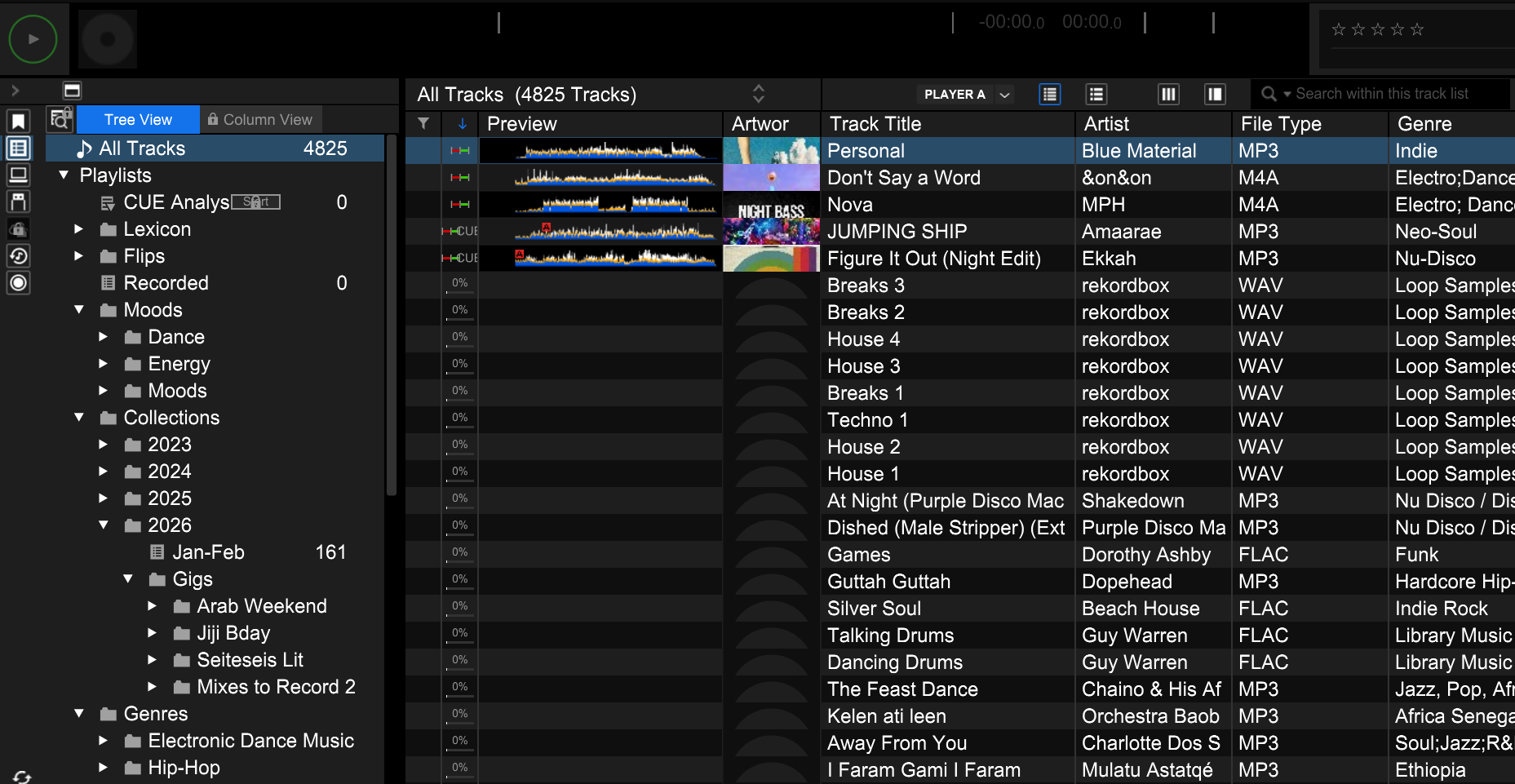
Every time I update my Rekordbox through Lexicon, it wipes my track analysis out and I have to go through the process of re-analyzing every track before I can sync to my USB. If I don’t re-analyze, it deletes all of the tracks on the USB and begins to wipe the current information and start from scratch, which is a total pain.
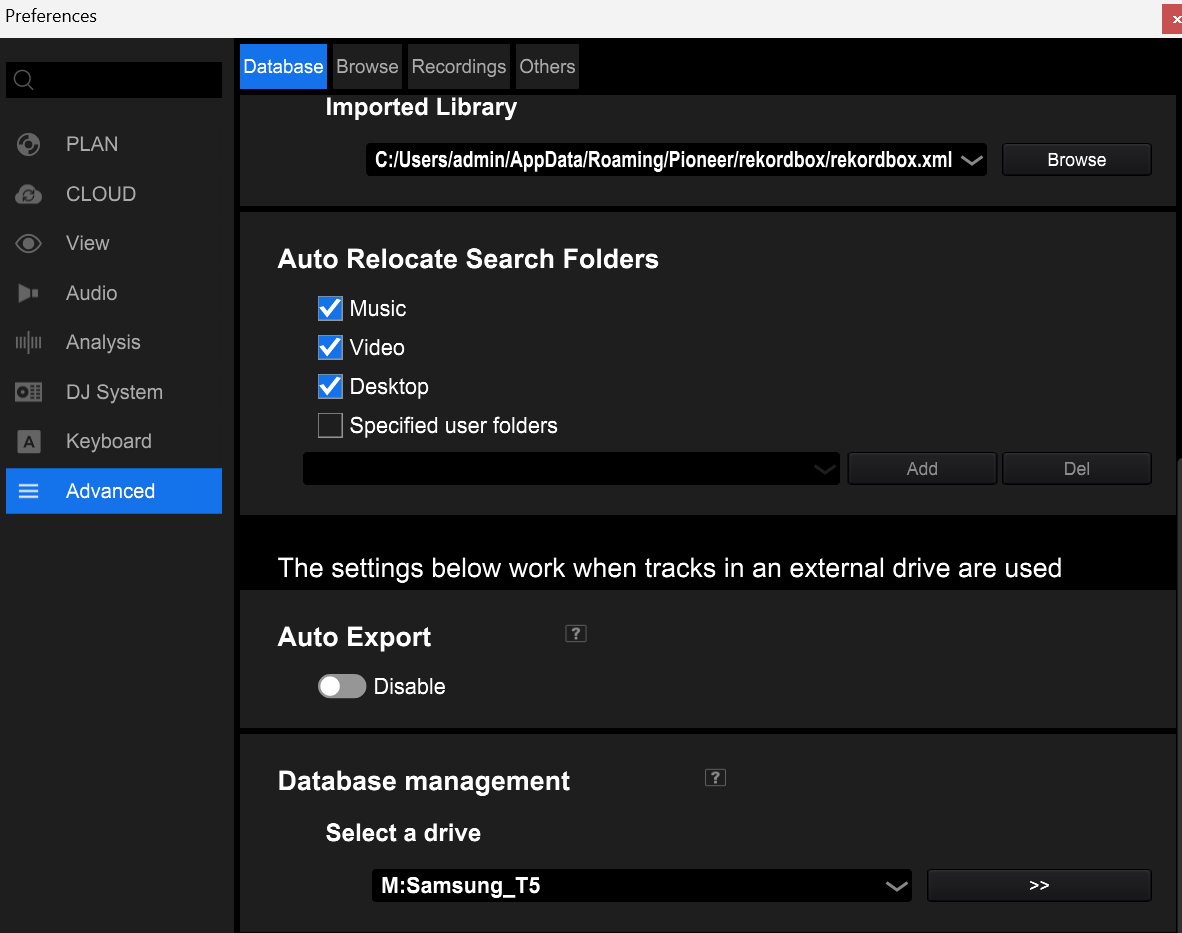
This started after updating to the most recent version of Lexicon for me, although it could have also been Rekordbox! Both my Lexicon library (the tracks) and Rekordbox libraries (the master database) are stored on an external drive, which might have something to do with it?
I tried re-analyzing my tracks in Rekordbox after the first wipe, but now every time I hit the sync (through Rekordbox 6 and 7 Direct), it wipes all of my file analysis (except for the 4 tracks that aren’t in Lexicon).
Step by step to reproduce: Unsure how you would reproduce this beyond trying the configuration of tracks on external drive + external rekordbox master database + Lexicon installed locally on C://.
Normally Lexicon takes care of that automatically based on track IDs and the full track locations, so it keeps the waveform data. I did see an occasional report where this is not the case so I have to investigate why that is.
If you can send me your RB master.db file (when it has waveforms so before the sync that breaks it) and upload your Lexicon library (from the Help menu at the top) then I can reproduce it.
You can find the RB db here: C:\Users\user\AppData\Roaming\Pioneer\rekordbox\master.db
The two files that I uploaded were from:
M:\PIONEER\Master\master.db (where I store my library and also my Rekordbox database)
C:\Users\admin\AppData\Roaming\Pioneer\rekordbox\master.db (Where I used to store my database)
Yes! I have uploaded the two databases now, but it seems like this particular sync didn’t wipe my waveforms! I’m not sure what changed but I’m also not complaining.