Hi - I found some similar questions on this, but nothing exact. I am using Lexicon to import from my Serato database and then to export to Rekordbox for when I need to use a USB on Rekordbox players (i.e. CDJ, XDJ). When I have my tracks in a crate on Serato, when I select and import that crate into Lexicon, it seems to lose the order of that crate and goes back to some other way to sort the tracks. The track # in lexicon doesn’t seem to match anything I can find in Serato. Below is an image of my Serato crate showing track #'s 1 -27, then the Lexicon playlist showing random track numbers with many repeats, and then the Rekordbox playlist which gets back to 1-27 for track # but is in the order they appear in my “root” crate in Serato. Is there any way to keep the track #'s coming in from Serato so I don’t have to reorganize either in Lexicon or Rekordbox?


Track # in Lexicon is not the same as Serato. In Serato it is the order of the crate but in Lexicon this is the CD/album’s track number so unrelated to playlist order.
To get the original order of a playlist, just click any column header with the arrow in Lexicon until it disappears. No arrows means that it is in original order.
Thank you. That cleared me up.
Hi sorry to resurrect an old question but I’m not following how to resolve this. I have a playlist for a gig and spent an age updating the track# field in Lexicon. When I sync it doesn’t match to the index number and in some cases even loses this. Is this because they are already in other crates in Serato?
Is there an easy way to get them to match or at least not lose them?
Clicking any header until the arrow disappears loses the sorting by track#
Am I being dim 
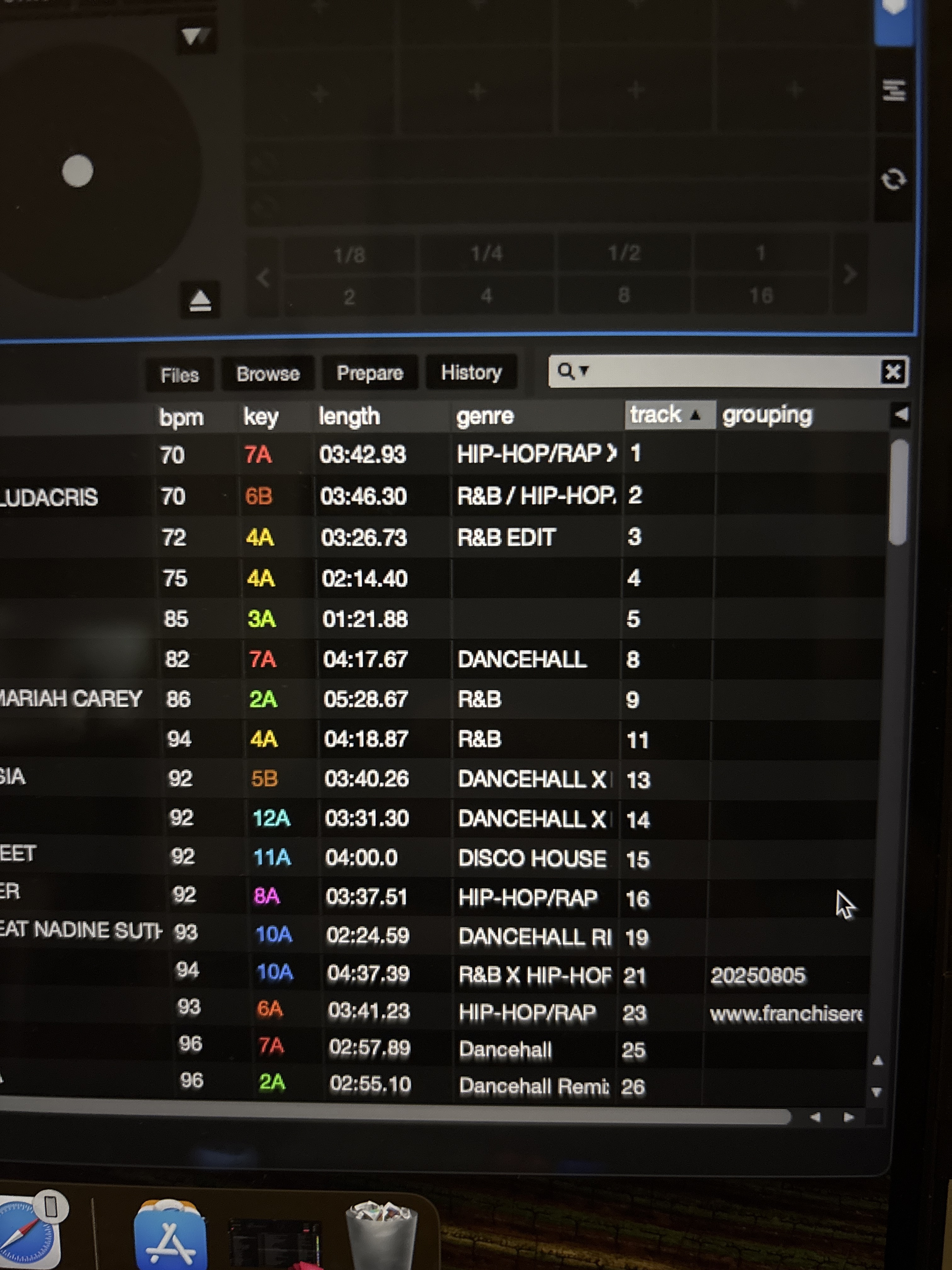
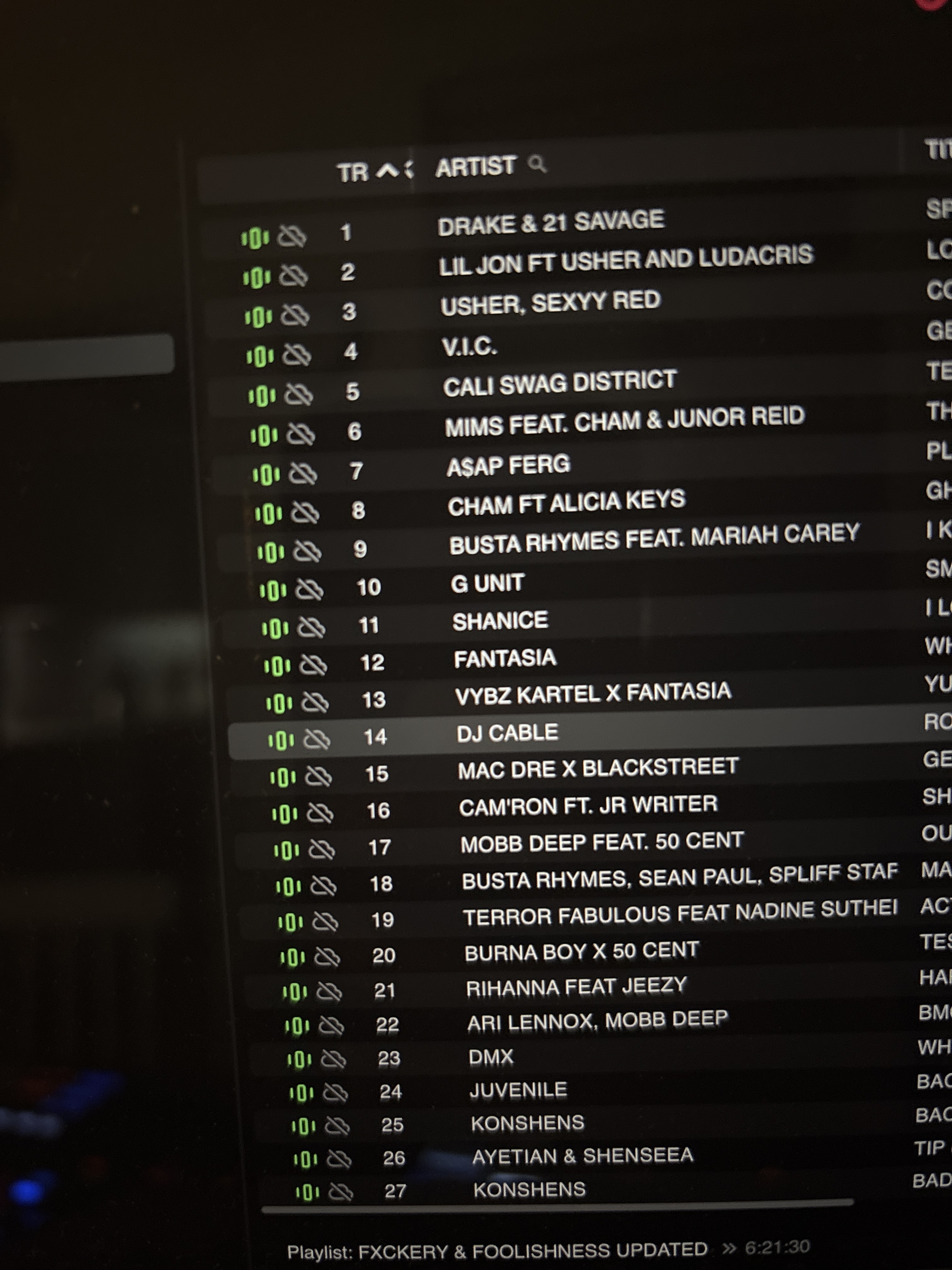
I’ve tried the re-write order and made no difference 
Track # in Serato is just a text field, it will import as Track Number is Lexicon but has no impact on the order of your playlist