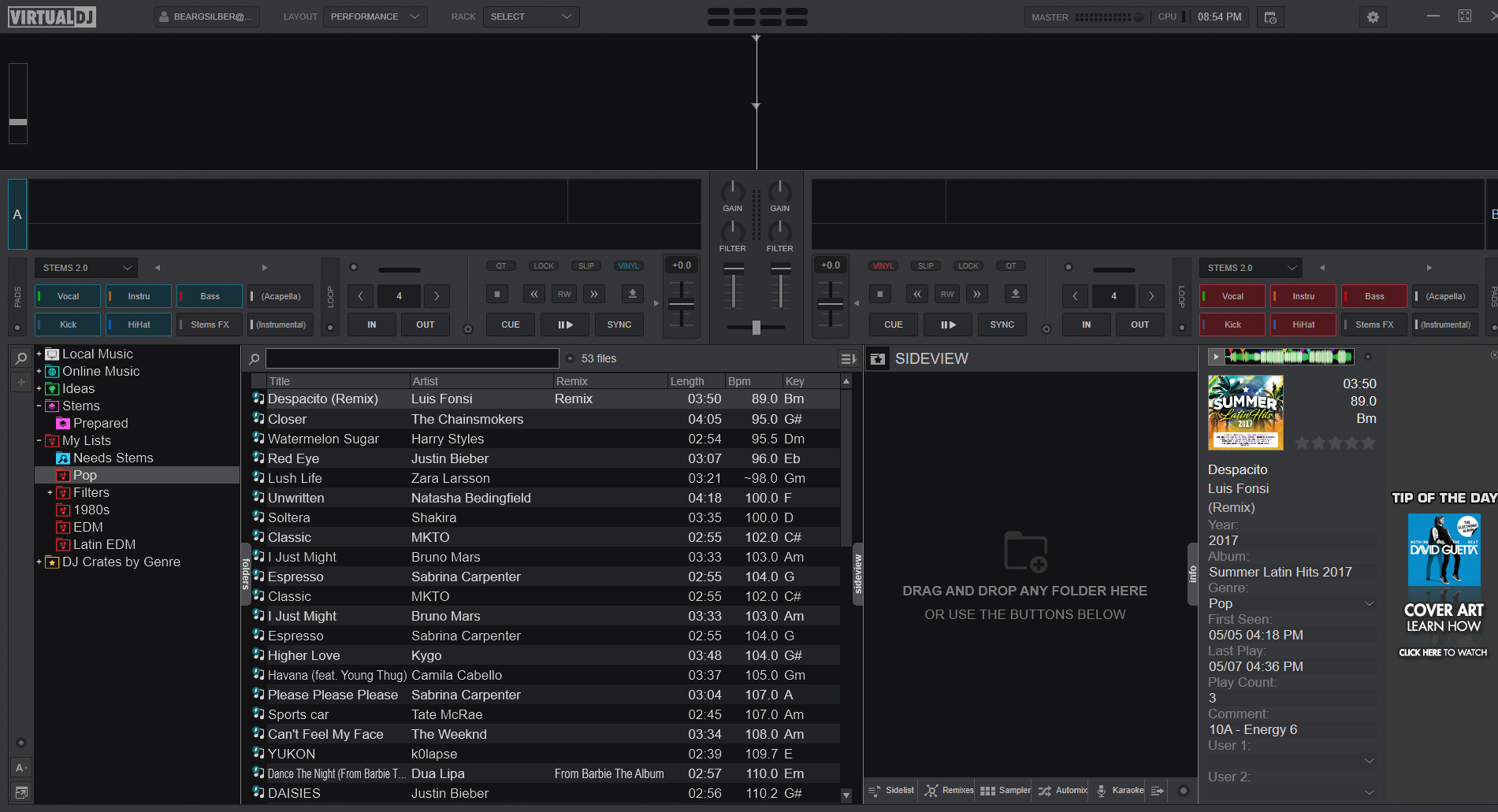
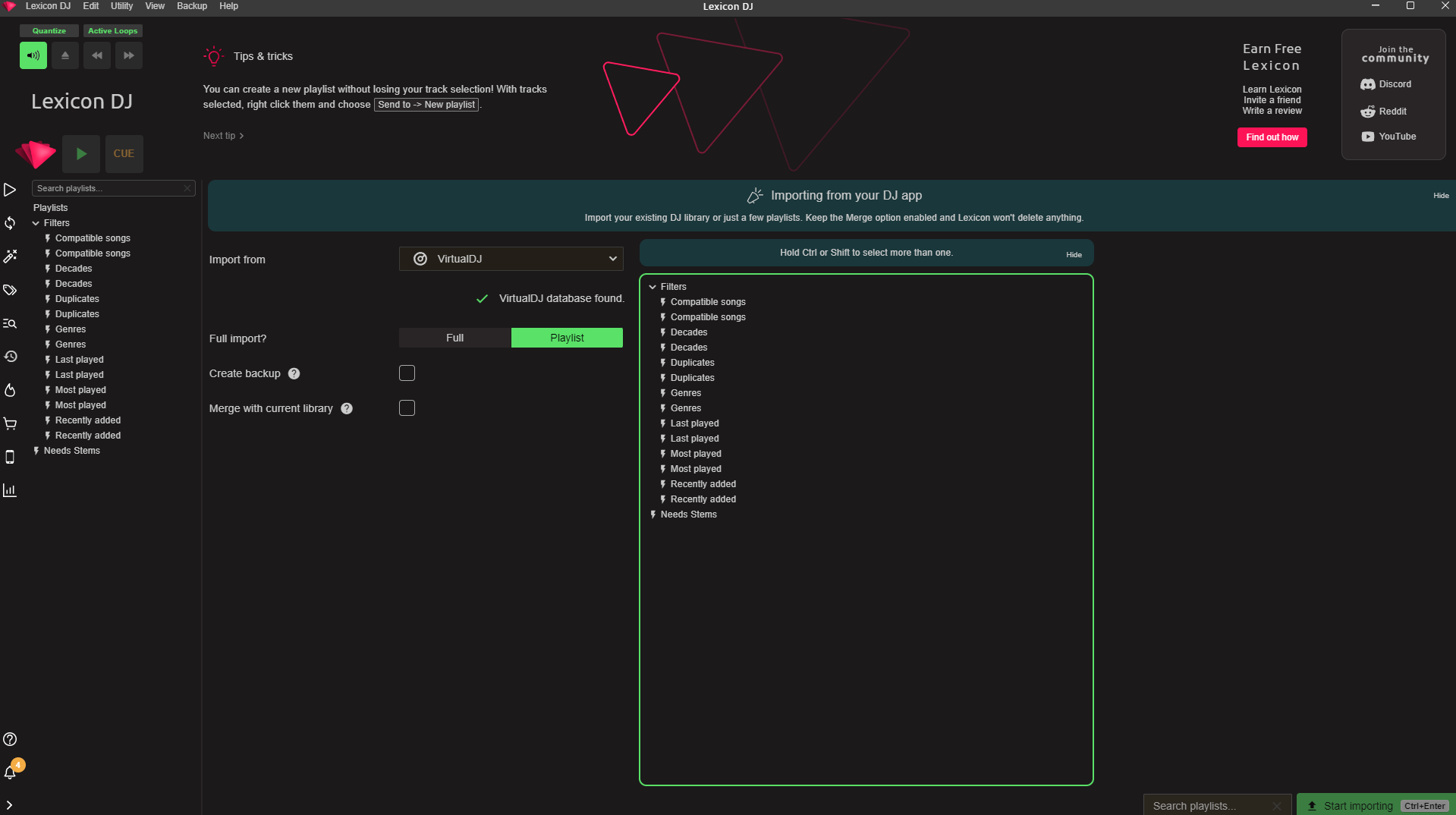
Hi Christian. I can’t for the life of me get Lexicon to import My Lists properly from VirtualDJ.
Screenshots added.
Any help would be great. Thank you
Hi Christian. I can’t for the life of me get Lexicon to import My Lists properly from VirtualDJ.
Screenshots added.
Any help would be great. Thank you
Could be its using a wrong VDJ folder, VDj has several locations it can use and Lexicon is sometimes confused which is the right one.
You can check lexicon logs (Lexicon database & log locations) and it will say where it is looking for your VirtualDJ folder. Compare that with the correct folder which you can see by opening VDJ, settings, then clicking the very small settings icon in the bottom (should open the VirtualDJ folder).
Okay, how can I change the location Lexicon is looking?
If you confirm it is looking in the wrong place, then simply delete (or rename) that wrong VirtualDJ folder since it may just be old and unused. Then restart Lexicon and it will try all other known VirtualDJ places. If it can’t find anything, it will ask you to point it at the right place.
Thanks. I think I’ve got it. Would you consider adding a setting where users and enter the file paths for the dbs they’d like to sync?
I’ll make sure the button to choose VDJ folder always shows. The problem is just that users can’t always figure out where to find it so it can make the situation worse…
The real problem is that VDJ had an identity crisis so they’ve changed VirtualDJ folder location a lot, it depends where you install it from as well (apple store is different than the normal installer) so that is what confuses all this.
Got it. That makes more sense now. I appreciate all the help